
Schools
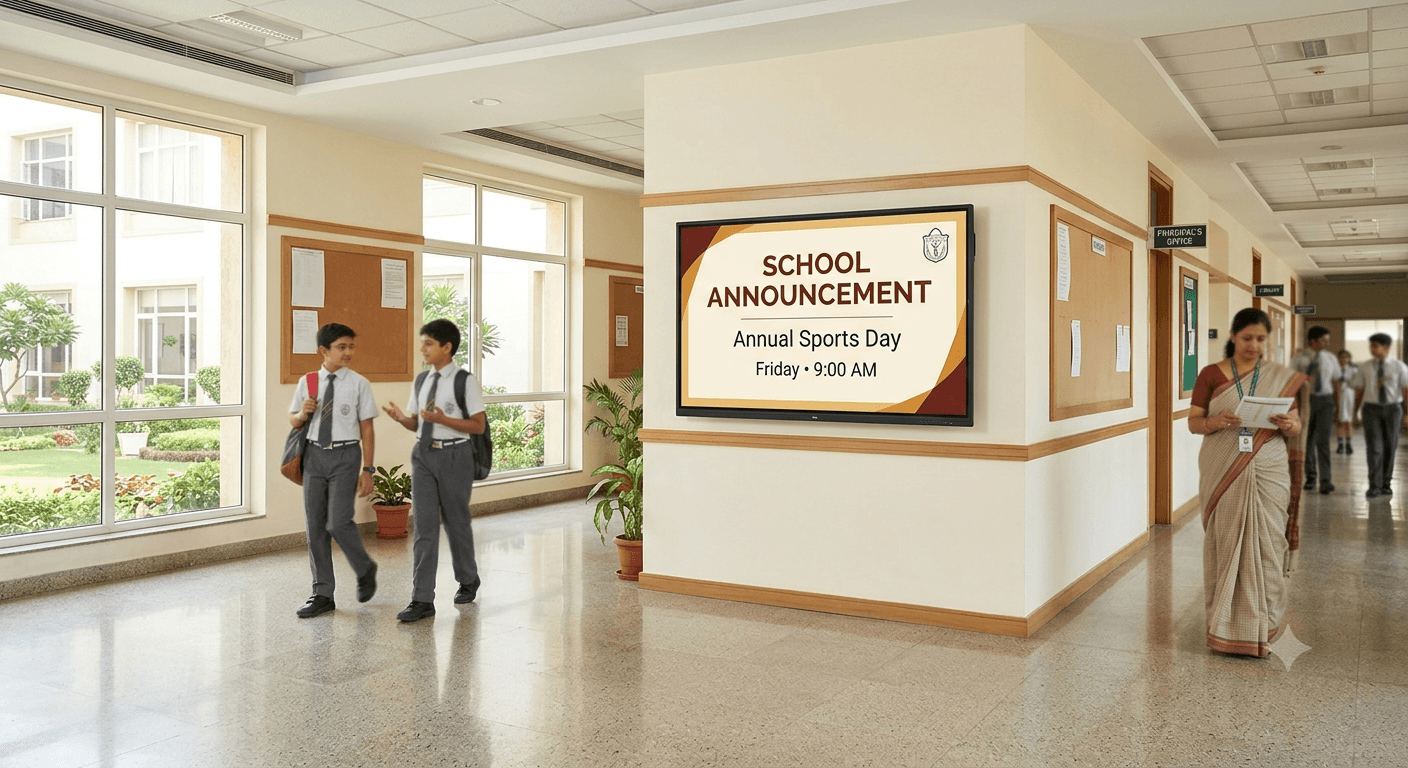
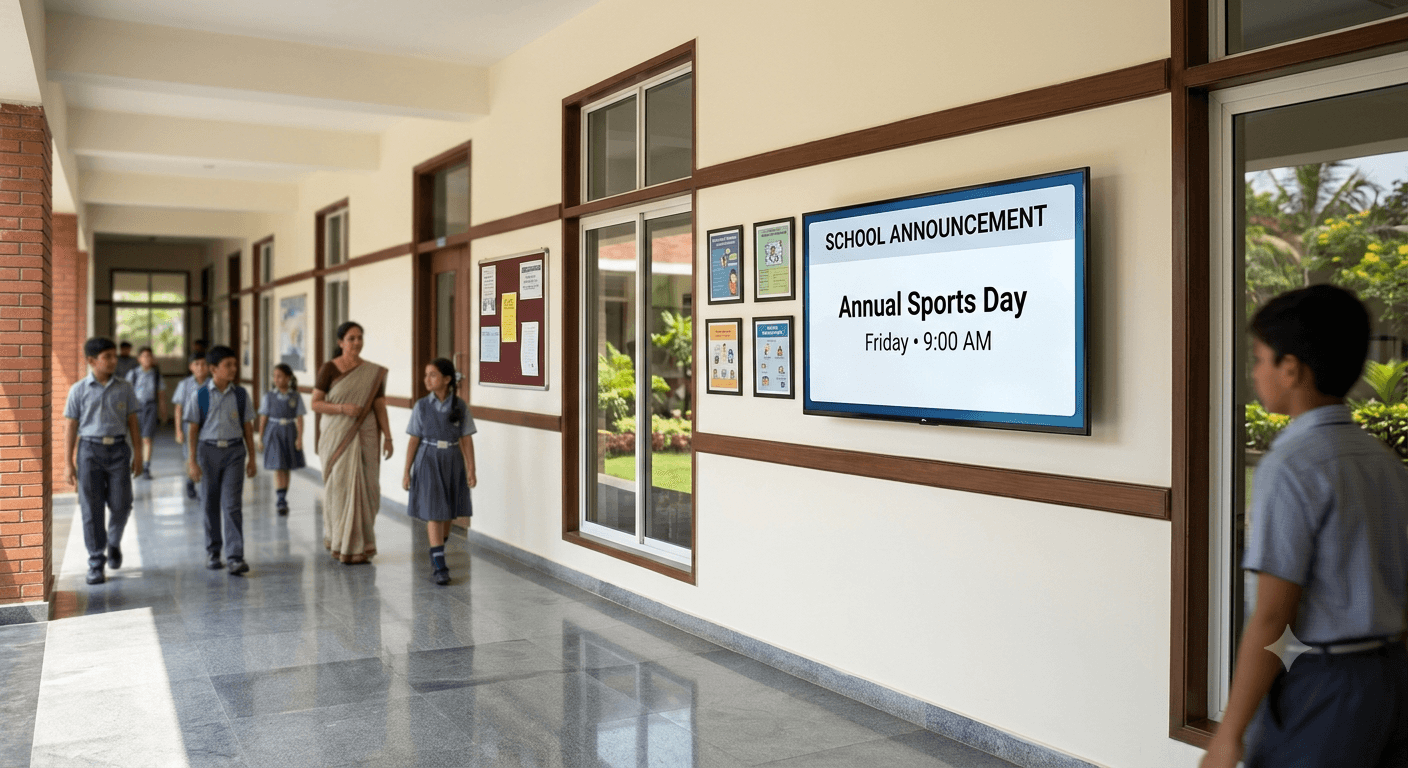
One notice board, every hallway.
Share announcements and notices across every hallway or office screen — updated from one dashboard.
The problem
Printed notice boards need someone to physically update every board in every hallway, and a time-sensitive announcement (an event, a schedule change) often reaches one board before another.
How Arka Connect helps
Publish a notice once and push it to every hallway or office screen on the account at the same time — no walking between boards, no one board falling behind another.
Relevant features
What you'll use most.
Content ManagementMulti-Screen ManagementScheduling
Example screens
What this looks like in practice.
Use cases
Common ways it's used.
- Announce an event or schedule change across every hallway at once
- Rotate between general notices and time-sensitive announcements
- Keep a staff-only office screen separate from student-facing hallway screens
Benefits
Why it works.
- One update reaches every screen, not just one board
- No one hallway falls behind another on the same notice
- Screens are grouped, so student-facing and staff-facing content stay separate
FAQ